Shiro Desktop Companion
A downloadable tool for Windows
🐾 Shiro Desktop Companion
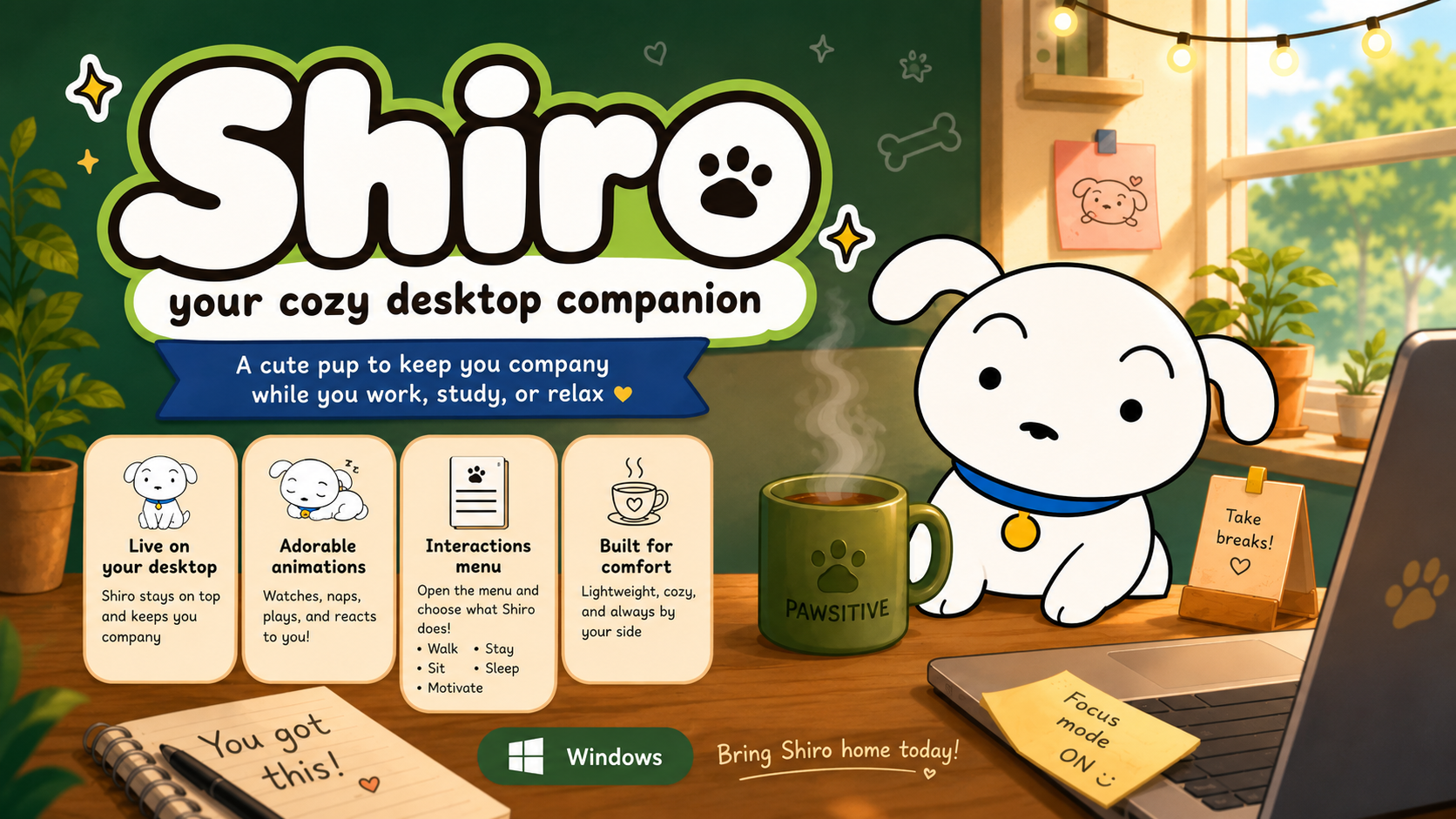
Bring the lovable, fluffy white pup right onto your screen!
Meet Shiro, a tiny, adorable desktop pet inspired by the iconic, charming dog from Crayon Shin-chan.
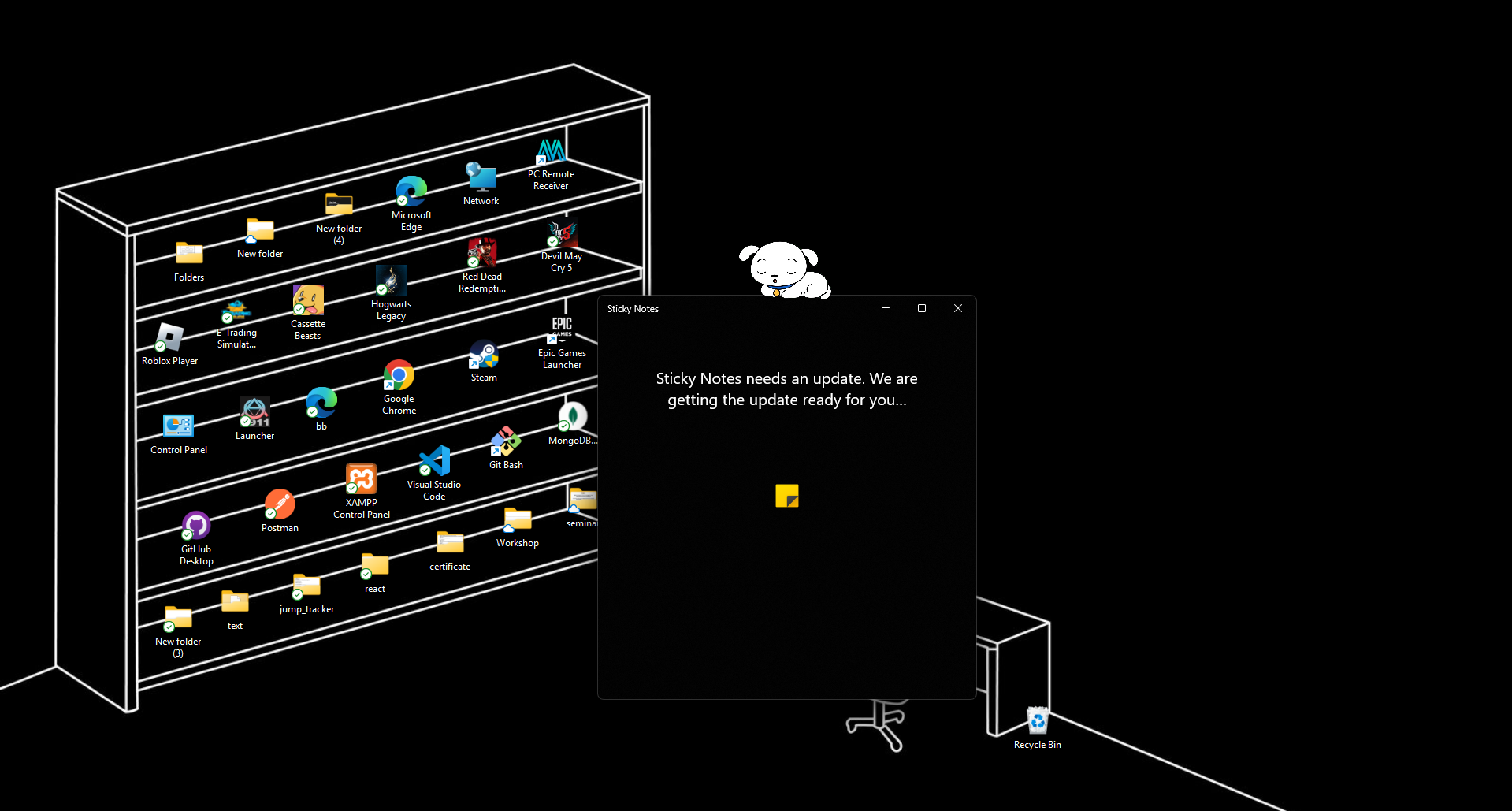
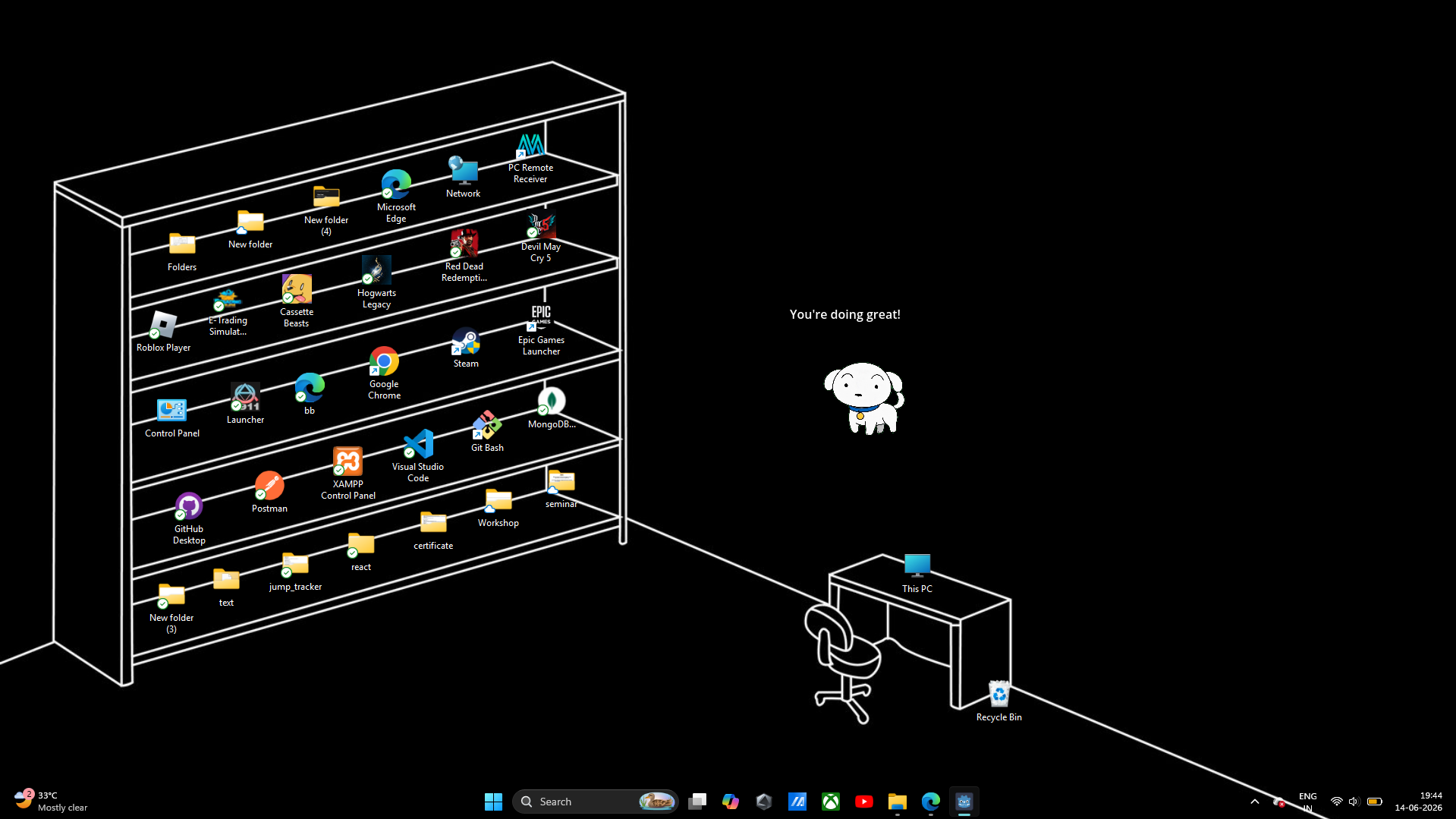
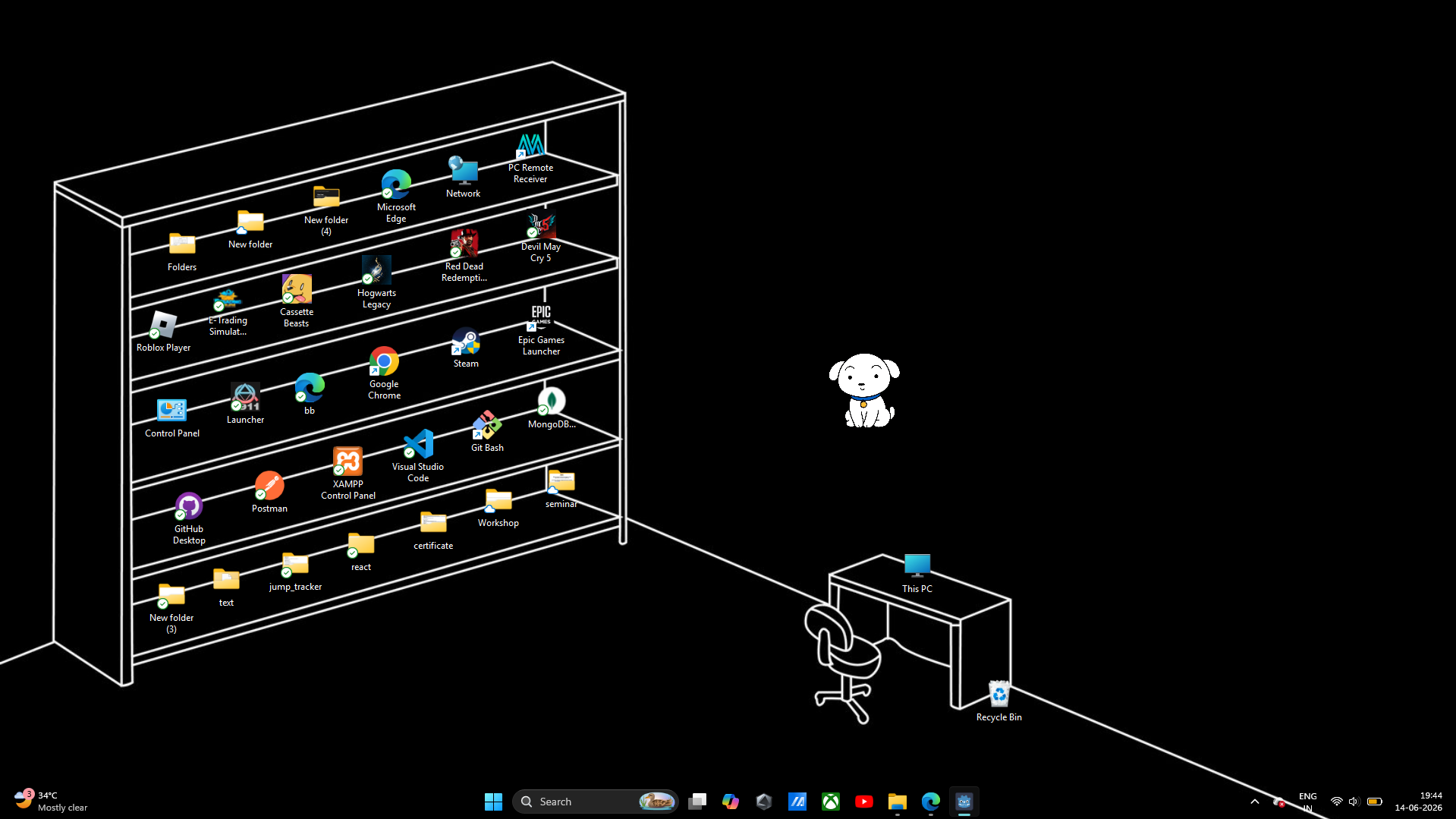
He happily wanders around your desktop workspace, takes cozy naps, sits patiently by your active windows, and shares sweet, motivational thoughts to keep you company while you work, study, or relax!
✨ Features
- 🐾 Desktop Wanderer: He explores and walks around your desktop screens dynamically.
- 🐾 Adorable Animations: Watch him sit down patiently or curl up into a ball for a peaceful sleep.
- 🐾 Pawsitive Vibes: Random custom speech bubbles filled with cute, motivational thoughts.
- 🐾 Completely Interactive: Click, grab, and drag him anywhere across your screens.
- 🐾 Built for Comfort: Lightweight, resource-friendly, and locks to an always-on-top layout without breaking your workflow.
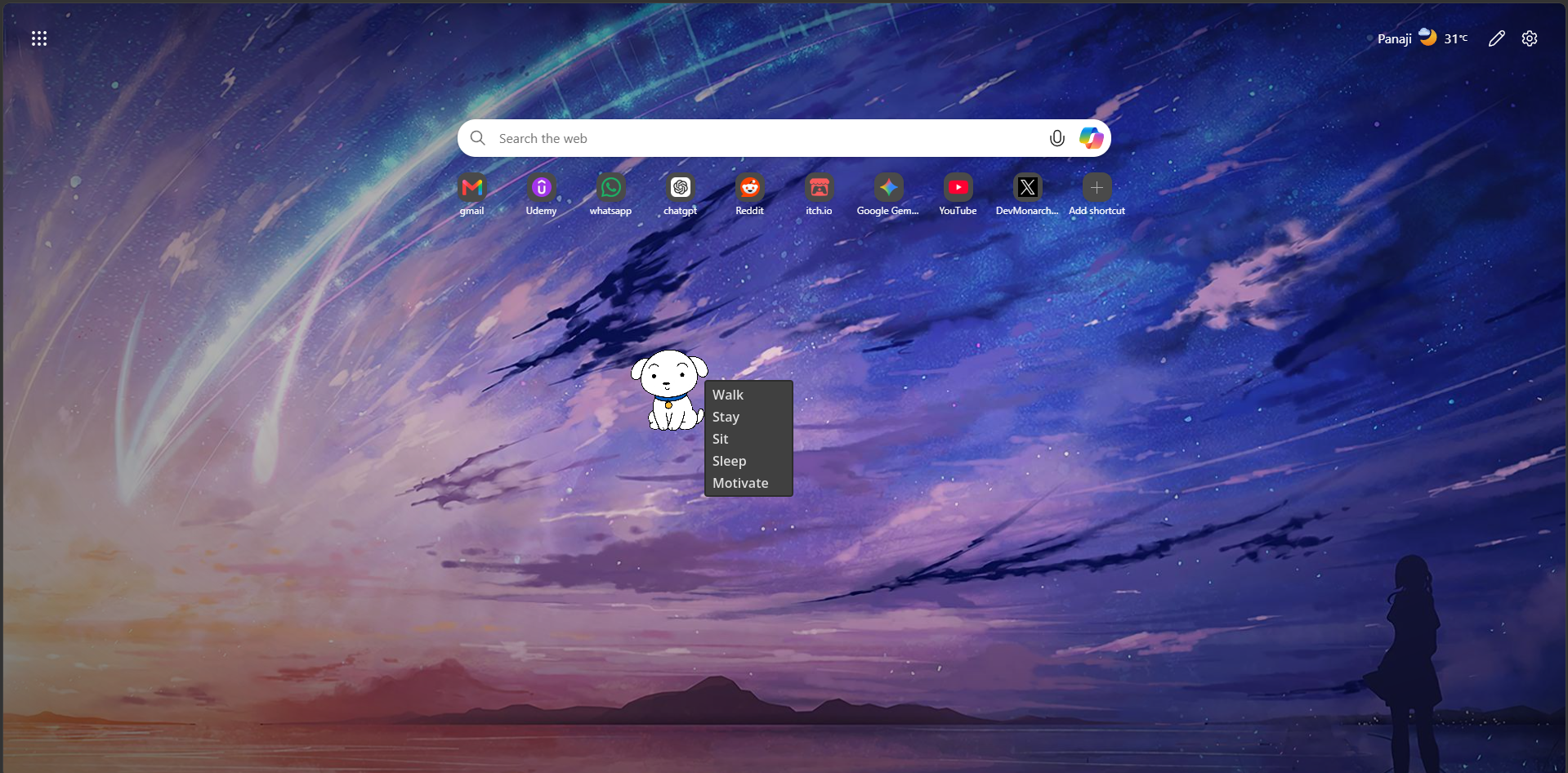
- 🐾 Right-Click Interaction Menu: Seamlessly direct his state with a quick click.
🎮 Controls
🖱️ Left Click
Drag and move: Simply pick Shiro up and drop him anywhere on your desktop layout.
🖱️ Right Click
Open the interaction menu to choose Shiro's exact state:
📦 Installation
- Download the provided ZIP archive.
- Extract the contents into a dedicated folder.
-
Keep application file inside the directory folder:
⚙️ Shiro.exe - Launch
Shiro.exeto welcome him home!
🚀 Future Plans
- 🦴 Fetch Bone: Interactive mini-games where you throw bones.
- 🎨 More Animations: Extra playful pet loops and idle transitions.
- 💬 Advanced Speech: Dynamic custom reminder triggers and interactive bubbles.
- 🐭 Cursor Interaction: Reactive gaze behaviors following your mouse.
- 🏡 Desktop Placement: Additional behaviors and objects for him to sit on.
Created with love using the Godot Engine.
Shiro is inspired by the original character from Crayon Shin-chan.
Download
Install instructions
📥 Download & Installation
Getting started is simple! Just download Shiro and launch the application.
- Download Shiro.exe.
- Place it anywhere on your computer.
- Double-click Shiro.exe to launch Shiro.
💻 Requirements
- Windows 10 or Windows 11
- No additional software required
If Windows SmartScreen appears, click More Info → Run Anyway.
Leave a comment
Log in with itch.io to leave a comment.